eSIM, Device Compatibility
Samsung eSIM Compatibility Guide
Check if your Samsung phone is eSIM compatible and get instant connectivity with Nomad eSIM in over 200 destinations.
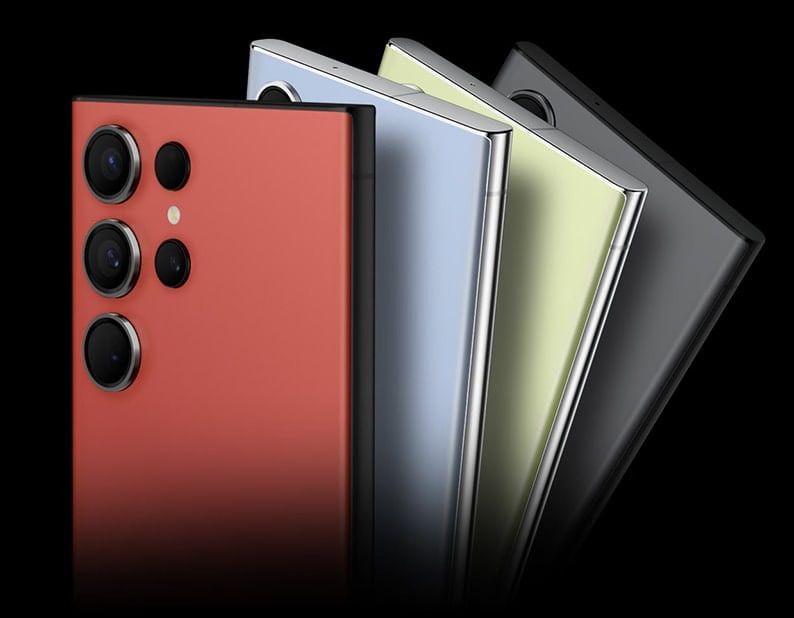
Samsung smartphones are some of the most popular travel companions in the world: powerful cameras, fast processors, reliable GPS, and now, widespread Samsung eSIM support. If your Samsung device is eSIM-compatible, you can install a Nomad eSIM in minutes and connect instantly the moment your plane lands.
No physical SIM swapping, no searching for local stores, and no roaming surprises.

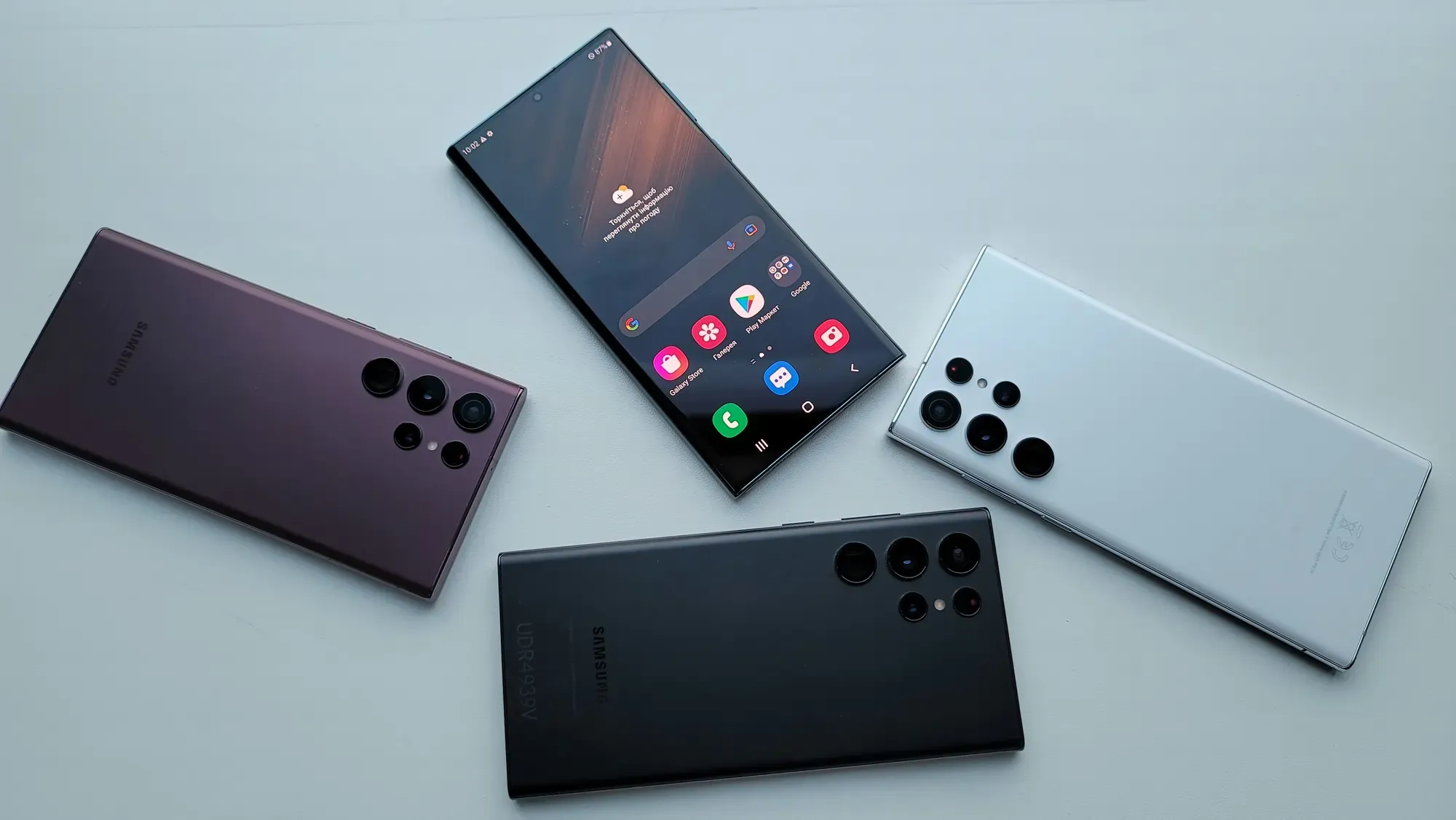
Samsung Phones That Support eSIM: Complete Compatibility List
To make things easier, Nomad eSIM has compiled a list of Samsung models that support eSIM. If your device appears there, it is likely compatible with Nomad eSIM. However, Samsung eSIM support is still region dependent. All Samsung phones sold in China, Hong Kong, and Taiwan do not support eSIM, even if the global version of the same model does.
Galaxy S Series (S24, S23, S22) eSIM Compatibility
- Galaxy S24, S24 Plus, S24 Ultra
- Galaxy S23, S23 Plus, S23 Ultra, S23 FE
- Galaxy S22, S22 Plus, S22 Ultra
Galaxy Z Fold Series eSIM Compatibility
- Galaxy Z Fold 5
- Galaxy Z Fold 4
- Galaxy Z Fold 3
Galaxy Z Flip Series eSIM Compatibility
- Galaxy Z Flip 5
- Galaxy Z Flip 4
- Galaxy Z Flip 3
Galaxy Note Series eSIM Compatibility
- Galaxy Note 20
- Galaxy Note 20 Ultra
Galaxy A Series eSIM Compatibility (Region Dependent)
- Galaxy A54 5G
Samsung Tablets and Laptops with eSIM Support
eSIM technology isn’t limited to Samsung smartphones. Several Galaxy tablets and laptops now support eSIM, offering travelers and professionals the same flexibility and instant connectivity as phones. Here’s an updated list of Samsung non-phone devices with eSIM support:
Galaxy Tab Series:
- Tab S9
- Tab S9+
- Tab S9 Ultra
- Tab S9 FE
- Tab S9 FE+
- Tab S11 5G
- Tab S11 Ultra 5G
- Tab S10 FE 5G
Galaxy Book Series
- Book 2
- Book 3
Note: As with phones, eSIM support for tablets and laptops may vary by region and carrier. Always check the specific model number and market before purchasing or activating an eSIM.
For a comprehensive list of Samsung devices that are eSIM compatible, check out Nomad eSIM’s Supported Devices list.
eSIM Support for Fan Edition (FE) and A-Series Devices
Samsung’s Fan Edition (FE) and A-series devices have selective eSIM support that often depends on the model and market. Here’s what you need to know:
Fan Edition (FE)
- S23 FE: eSIM supported in most global and European models; not supported in China and Hong Kong variants.
- Other FE models (S20 FE, S21 FE, etc.): Generally do not support eSIM.
A-Series:
- A54 5G and newer (A55, A35, A36, A56): eSIM support is available in select markets (Europe, South Korea, Australia), but not in all regions.
- Older or entry-level A-series (A14, A13, etc.): Do not support eSIM.
Always check the specific model number and region before assuming eSIM compatibility on FE and A-series devices.
Common Carrier and Market Restrictions Affecting Samsung eSIM Compatibility
Even if your Samsung device supports eSIM, certain carrier or market restrictions may impact your ability to use it. Here are key limitations to watch for:
Devices from China, Hong Kong, and Taiwan do not support eSIM (dual physical SIM only)
US carrier-locked devices (especially from Verizon, AT&T, T-Mobile) may restrict eSIM activation
Some South Korean models may not include eSIM unless specifically listed (e.g., S24, S23, Z Fold5/4, Z Flip5/4, A54 5G)
Carrier-issued or subsidized models may have eSIM disabled by default. Always check with your carrier and confirm your device’s model/CSC code before purchasing an eSIM plan
By understanding these restrictions, you can avoid surprises and ensure a smooth eSIM experience on your Samsung device.
3 Simple Steps to Check if Your Samsung Phone Supports eSIM
Before installing a Nomad eSIM, confirm your device’s eSIM capability. Samsung support varies widely by model and region, so a quick check ensures smooth activation.
1. Look for the “Add eSIM” Option in Samsung SIM Manager
- Go to Settings
- Tap Connections
- Go to SIM Manager
- Check for Add eSIM or Add mobile plan
If this option appears, your device supports eSIM. If it does not appear, your phone may be a regional version without eSIM hardware.
2. Verify Your Samsung Model Number
- Go to Settings
- Select About Phone, and locate your Model Number.
Your phone model number tells you which regional version of the device you own, which is important since eSIM availability can vary by market.
3. Check Your Samsung Phone Specifications
You can confirm eSIM-compatibility by checking the model information included with your device.
- Locate the printed user manual or quick start guide that came with your phone box.
- Find the specifications section, usually near the back or in the connectivity chapter.
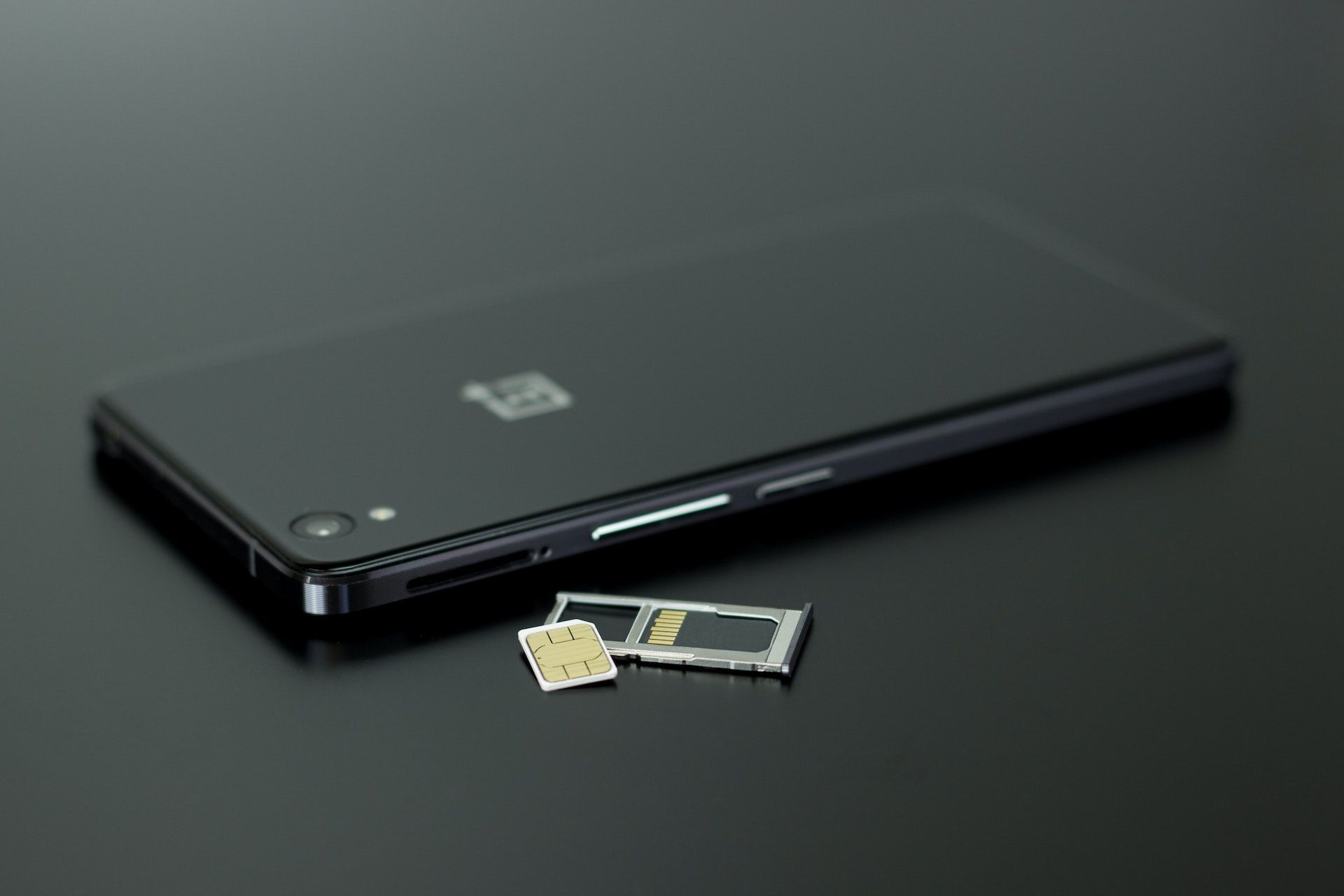
- Look for a line that lists SIM configuration, such as: Nano SIM + eSIM (this means your device supports eSIM) OR Nano SIM only (this means your device does not support eSIM)
- You can also check the model number printed on your device box and compare it against the typical Samsung model lines known to support eSIM.


How To Set Up Nomad eSIM on Your Samsung Phone
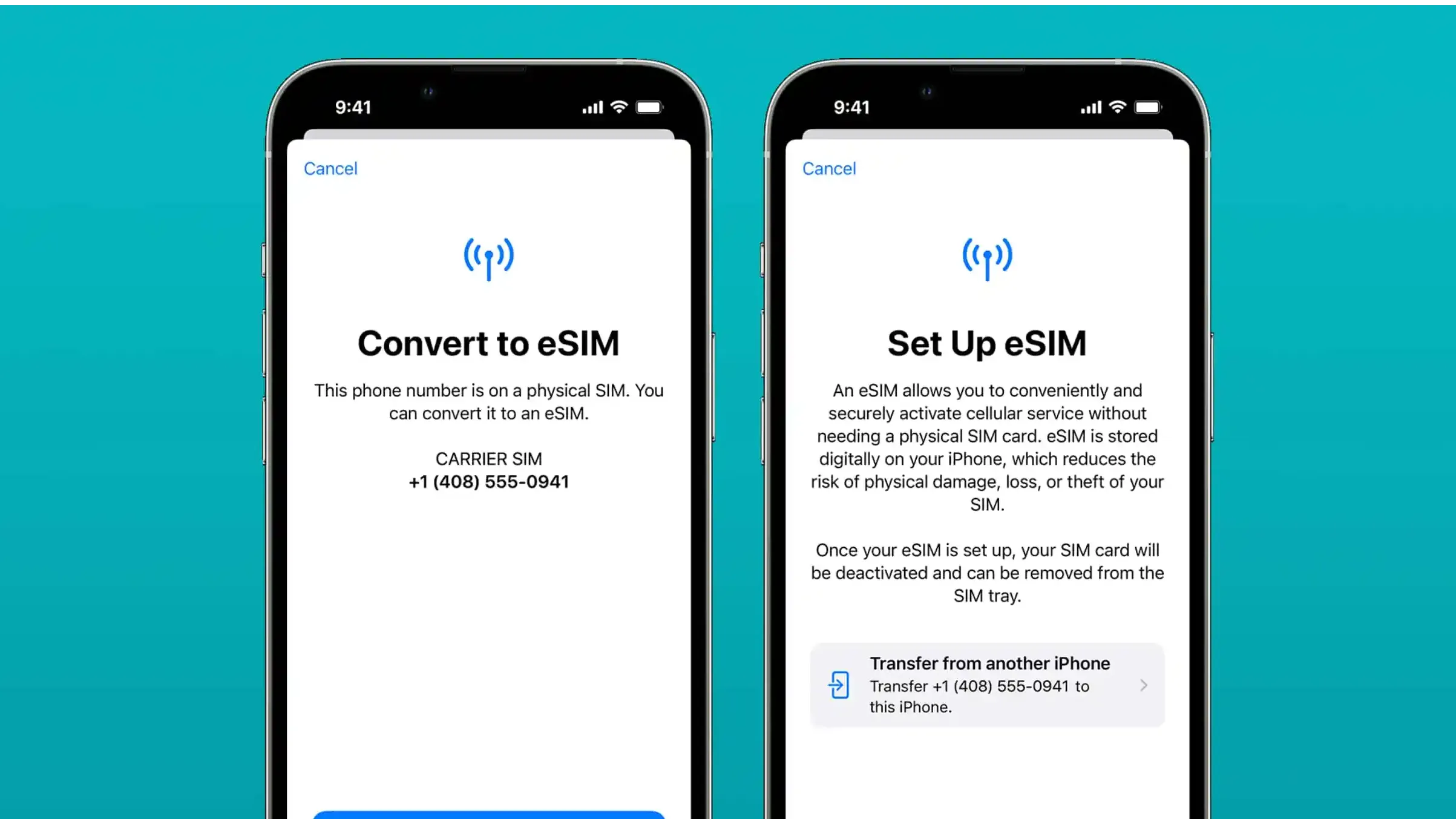
Once you confirm that your Samsung phone supports eSIM, activating it is quick and simple with Nomad eSIM and Samsung’s SIM Manager.
1. Add a Nomad eSIM Through Samsung SIM Manager
The easiest option is to add your eSIM directly through Settings.
- Open Settings
- Tap Connections
- Select SIM Manager
- Choose Add eSIM
- Follow the on-screen instructions to download and activate your plan
This is the most direct method and works smoothly on most eSIM-supported Samsung phones.
2. Scan a QR Code to Install Samsung eSIM
Most travel eSIM providers, including Nomad eSIM, offer activation through a QR code.
- Open Settings
- Go to Connections
- Select SIM Manager
- Tap Add eSIM
- Choose Scan QR Code and scan the QR code provided in the Nomad eSIM app or email
- Complete the setup by selecting your preferred SIM for mobile data
If your QR code does not scan, you can install your Nomad eSIM using the activation details included with your plan. Here’s how:
- In Add eSIM, select Enter activation code
- Enter the SM-DP+ server address and the activation code provided by Nomad eSIM
- Complete installation following the on-screen prompts
This backup method is helpful if your camera cannot scan the QR code or if you prefer entering details manually.
3. Install Your eSIM Using the Nomad App
Nomad eSIM also allows you to install your eSIM directly from the app.
- Open the Nomad eSIM app
- Select your purchased plan
- Tap Install eSIM
- Follow the guided instructions
This method offers the smoothest setup experience, especially for travelers installing an eSIM right before a trip.
Samsung’s eSIM Support Roadmap: Future-Proofing Your Device
Samsung has shown a clear commitment to expanding eSIM support across its product lines. Starting with flagship Galaxy S and Z series, eSIM compatibility now extends to select Note, A-series, and tablet devices. Each new generation brings broader eSIM adoption, making it likely that future Galaxy models—including upcoming S, Z, and A series—will include eSIM as a standard feature. This ongoing trend means that choosing a recent Samsung device is a smart investment for travelers who want seamless, long-term connectivity options.
Frequently Asked Questions (FAQs)
Does my Samsung phone support eSIM?
Only certain Samsung models support eSIM. You need to check SIM Manager for the Add eSIM option or review Samsung’s official specifications.
Why doesn’t my Samsung device show Add eSIM?
Your Samsung phone may be a regional variant without eSIM hardware. This is common among models from China, Hong Kong, Taiwan, and some carrier versions from the United States or South Korea.
Do unlocked Samsung phones always support eSIM?
Not always. Even if your device is unlocked, it might still be a variant that does not contain eSIM hardware.
Can Samsung store multiple eSIM profiles?
Yes. Most Samsung phones that support eSIM can store several profiles, although only one can be active at a time.
Does dual SIM mean my Samsung phone can support eSIM?
No. Dual SIM on Samsung phones doesn’t always include eSIM. Some models offer dual SIM through two physical SIM slots, rather than a combination of one physical SIM + one eSIM. Always check your specific Samsung model’s regional version to confirm whether eSIM is supported.

Highly rated 4.4/5.0 on Trustpilot

Save up to 50% on roaming

Fast and reliable network
Nomad eSIM Free Trial
Try Nomad eSIM risk-free with our free trial—no contracts, no commitment. Set up in minutes, enjoy secure connectivity, and manage everything easily through the Nomad eSIM app.